Every rival’s ads, checked every day.
Watch is Seercraft's competitor ad tracker. Add a rival once and Seer reads every live ad it runs in the Meta Ad Library, checks again every day, keeps the history after ads stop and tells you what changed.
7-day free trial · Cancel anytime
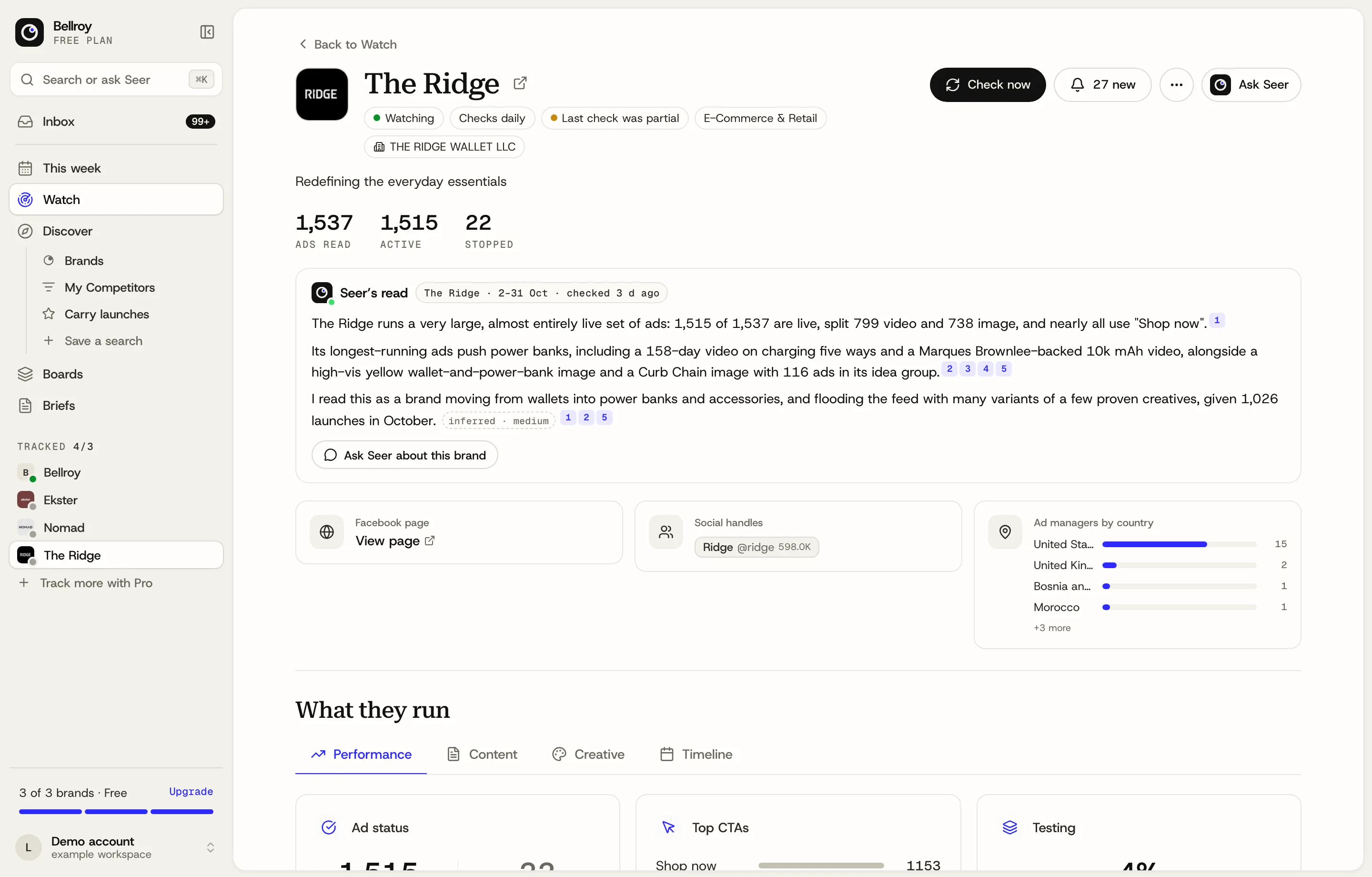
Real app, example workspace. The brands shown aren’t customers.
- Dailychecks, on every plan
- Keptads stay after they stop
- Citedevery line links to its ads
The usual way, and the Watch way.
How it works
- 1
Add a competitor
Paste a website or brand name. Seer finds the Facebook page and reads every live ad.
- 2
Seer checks on schedule
Daily by default, or weekly or monthly per brand. Press Check now any time.
- 3
See what changed
New, stopped and relaunched ads land on This week and on the brand's timeline.
- 4
Read the brand
A cited summary of what the brand runs, with performance, content, creative and timeline views.
One screen at a time.
The real app on an example workspace. Pick a screen.
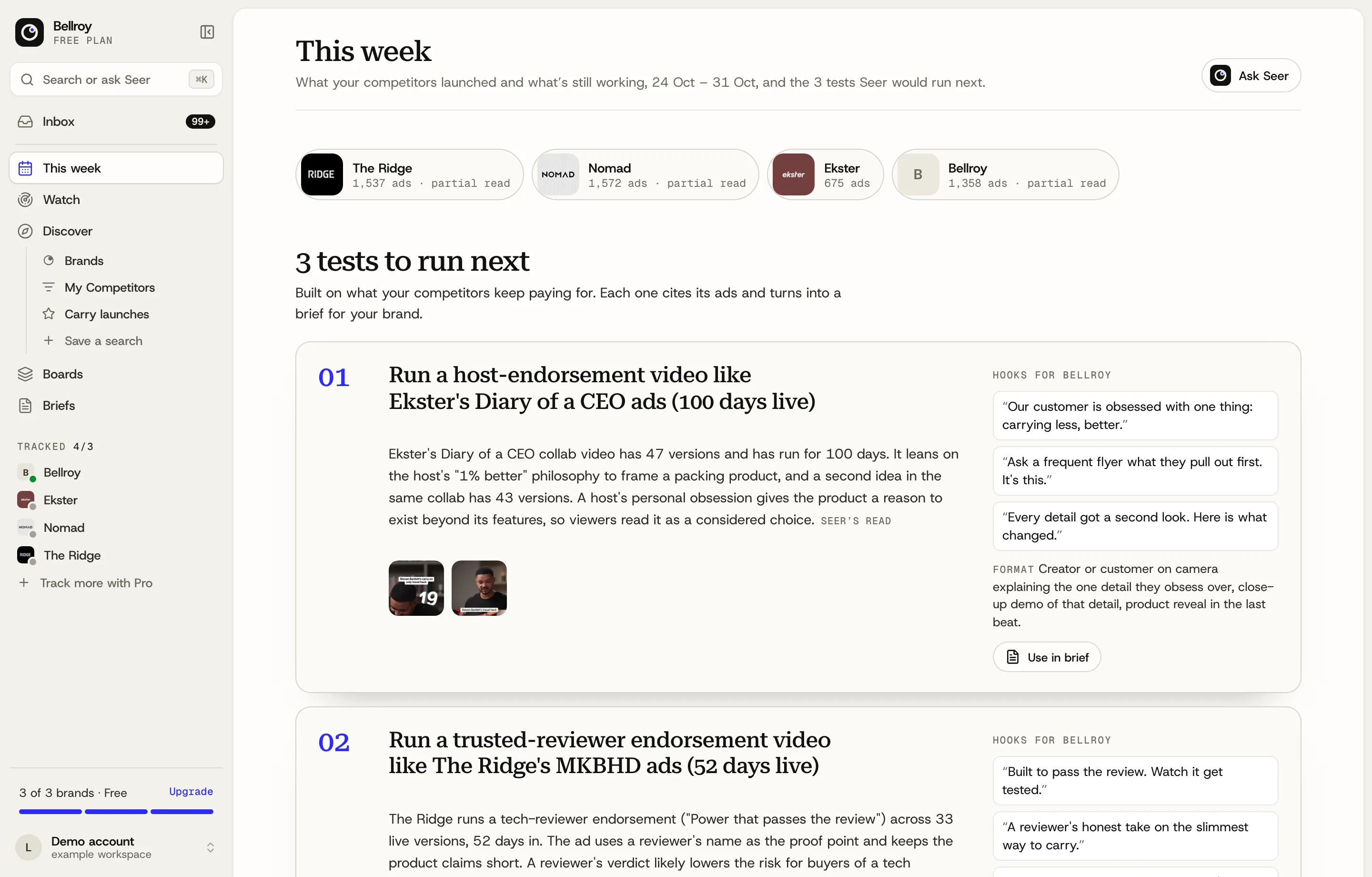
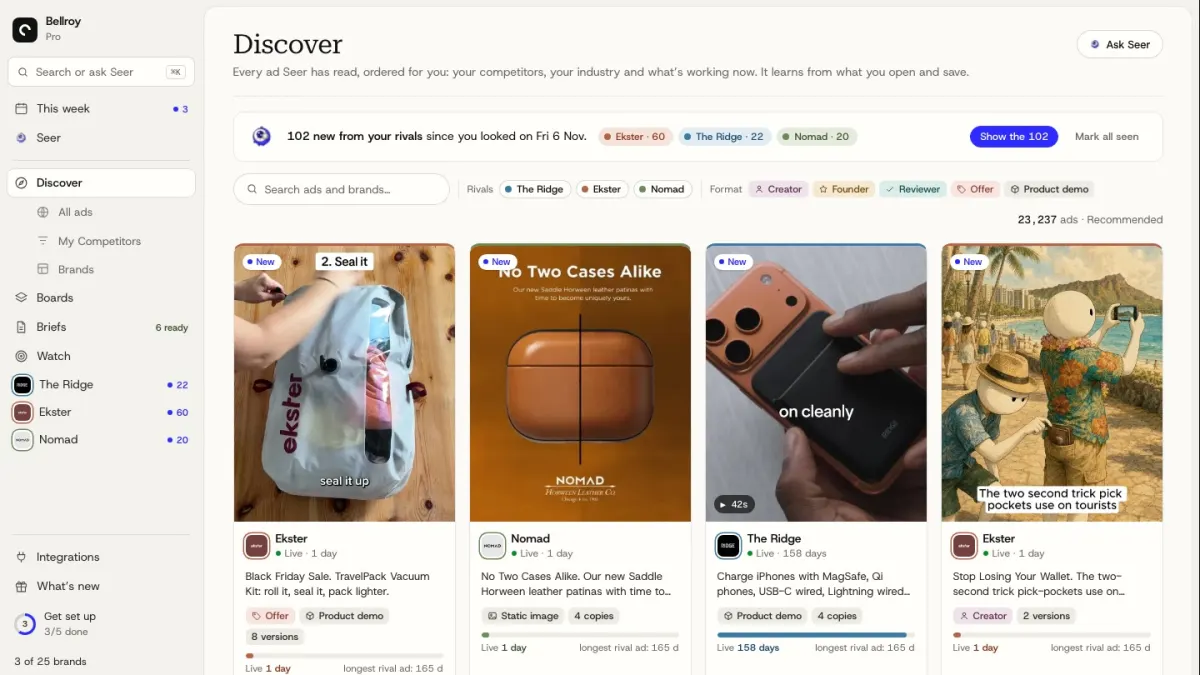
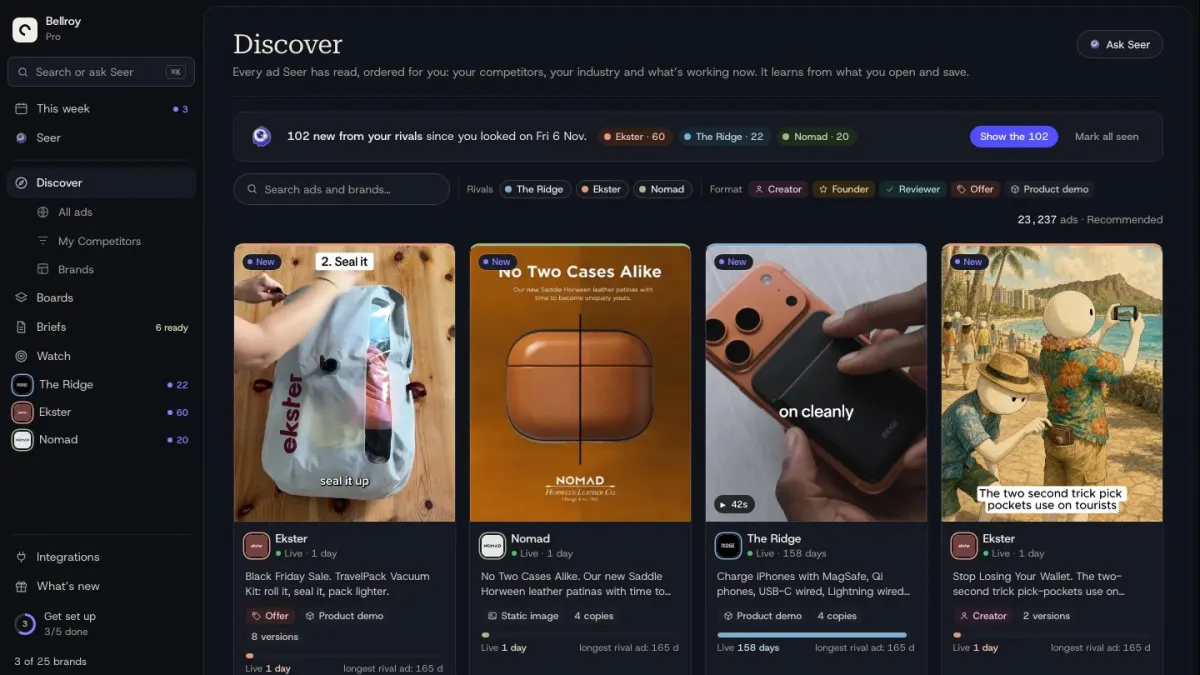
What Seer noticed on 22 October.
Real brands, counted from the public Meta Ad Library on the day. Pick a brand to see its ads; hover to play.
Counted from the Meta Ad Library on 22 Oct 2026.


What it does, today.
Daily checks
Every brand, on every plan. Switch any brand to weekly or monthly.
History kept
Ads stay with their start date and run length after they stop.
Copies folded
Versions of one idea are grouped, with a count.
Check now
Read a brand again straight away, whenever you need to.
Your own brand
Track your own ads beside theirs. It doesn't count toward your brand limit.
Cited reads
A summary of each brand where every claim links to its ads.
Monday briefing
What your rivals launched, stopped and tested, by email.
Ask about any brand
Ask Seer from the brand page; answers link back to the ads.
Slack alertsComing
New and stopped ads posted to Slack.
Seercraft in 75 seconds
It keeps what the Ad Library drops.
- Kept after they stop
The Ad Library drops most commercial ads once they stop. Seercraft keeps them.
- Ideas, not copies
Hundreds of versions of one ad count as one idea, with a version count.
- No guessed spend
Run time and versions are the public signals. Anything Seer infers is labelled.
One loop, from their ads to yours.
See what’s working
Every rival ad, read and sorted by what lasts.
Decide what to test
Three cited tests a week, and answers you can check.
Make it
From a saved ad or a test to a brief, a script and finished ads.
The job Watch does: competitor ad tracking. Also: Chrome extension · Seer in your AI app
From the people who use our Ad Library actor
“I rarely leave reviews, but this Actor saved me a lot of time. Worked exactly how I needed it to.”
“I spoke to Anas, the builder of this tool, and he's very friendly and open to feedback. … it's much much better than any of the other tools that exist out there. Highly recommend it!”
“This guy surely helped me even when the actor was down, it really matters dude. Also, thanks for fixing the actor I can restart my work again.”
“nice tool and support, i appreciate it”
Reviews of our Meta Ad Library actor on Apify, the tool Seercraft grew out of. Read all 14 on Apify ↗
How do I add a competitor to Watch?
Press Track a brand and paste the brand's website or name. Seer finds its Facebook page and starts reading. You can also paste the page's Meta Ad Library link.
Can I change how often a brand is checked?
Yes. Each brand is checked daily by default; switch it to weekly or monthly from its row, or press Check now on its page to read it again straight away.
Does my own brand count toward my plan's limit?
No. Your own brand gets its own row beside your competitors and doesn't count toward the brands your plan tracks.
How many brands can I track?
It depends on the plan; the current numbers are on the pricing page. Every plan reads each brand daily.
Where do I see what changed?
On This week, which recaps what each rival launched since you last looked, and on each brand's timeline of launched and stopped ads. The Monday briefing emails the same.
Keep exploring

























Add your first rival in a minute.
Seer finds the ads your competitors keep paying for, turns them into tests, and on Pro and Agency makes each one a finished ad in your brand. 7-day free trial. Cancel anytime.
Enter a competitor's website. We'll start with their longest-running ads.