Save Facebook ads from Ad Library in one click.
Keep the creative, the copy and the reason you saved it. Collect Facebook and Instagram ad inspiration from Meta Ad Library into Seercraft boards while you browse.
Requires a Seercraft account. Sign in or start a 7-day free trial.
- Videos, images and copy
- Choose a board
- Add notes
- English-language Meta Ad Library
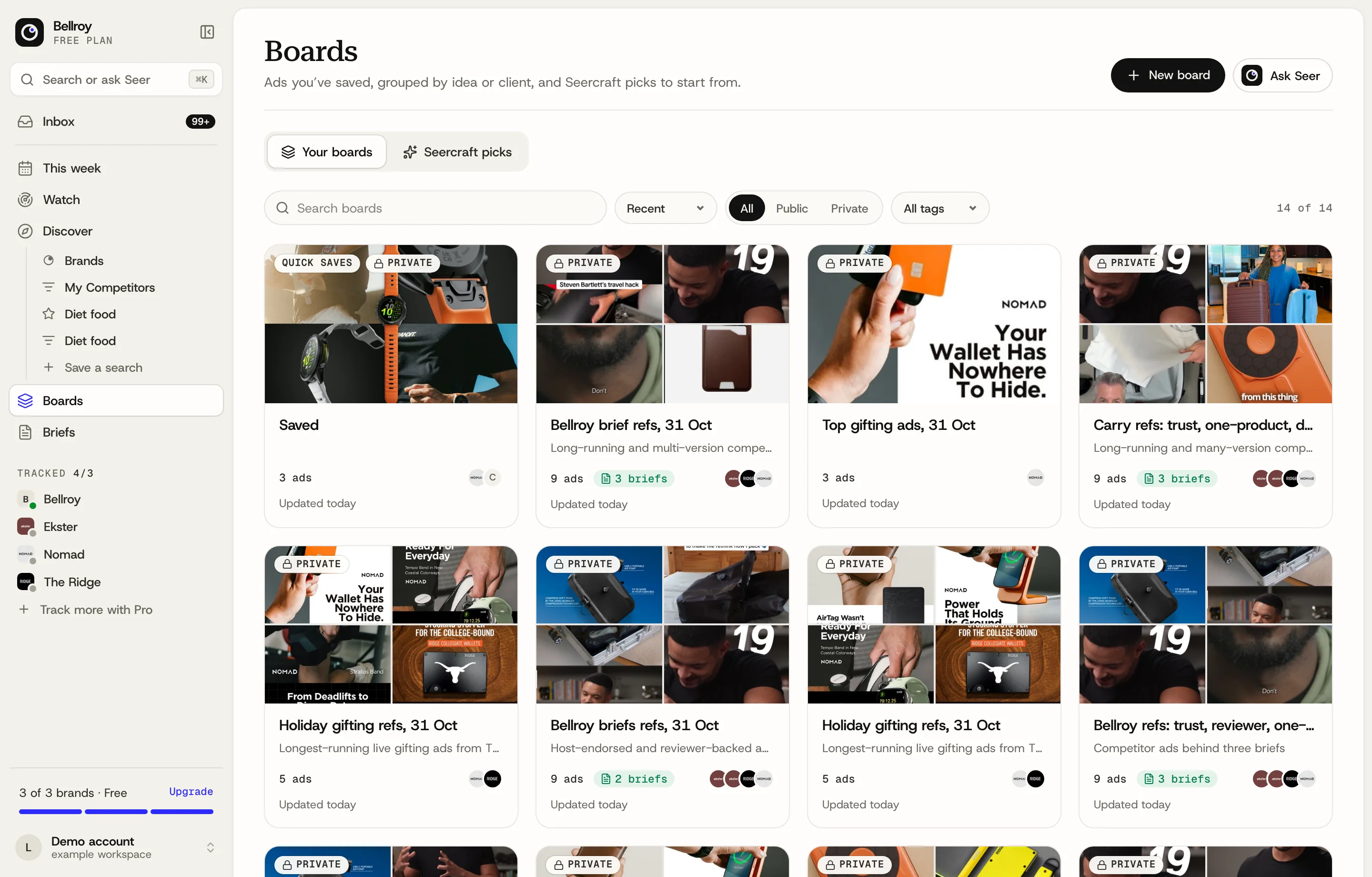
Review your saved ads in Seercraft boards. Real app, example workspace.
How to save ads from Meta Ad Library
- 1
Install and sign in
Add the Seercraft extension to Chrome and sign in to your Seercraft account. Your existing session connects automatically.
- 2
Find an ad worth keeping
Open Meta Ad Library in English and browse the Facebook and Instagram ads you want to research.
- 3
Save it to a board
Click Save to Seercraft. Use the arrow to choose another board or create a private one, and add a note about the hook, offer or idea.
What is the Seercraft ad library saver?
Seercraft's Chrome extension adds a Save to Seercraft button to Meta Ad Library cards. It saves selected ad creatives and their available context to a Seercraft board.
Can I save Instagram ads too?
Yes, when those ads appear in Meta Ad Library. Open an English-language library page and save from there.
What happens to saved media?
Seercraft stores captured creative media with your saved ad so you can return to it after the original ad stops. Video and carousel capture depend on the media available from Meta; if a video is not ready, load it and retry the save.
Can I choose a board or add notes?
Yes. Save to your default board in one click, or use the arrow beside Save to Seercraft to search your boards, choose a destination or create a private board. Open Add a note or set default to keep a note about the idea.
Do I need a Seercraft account?
Yes. Sign in to Seercraft and the extension recognizes your session automatically. Saves go to boards in your workspace. Seercraft offers paid plans with a 7-day free trial; see the pricing page for current plans and limits.
Put your saved ads to work


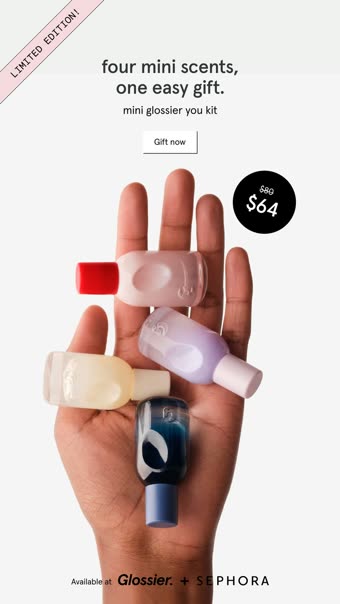
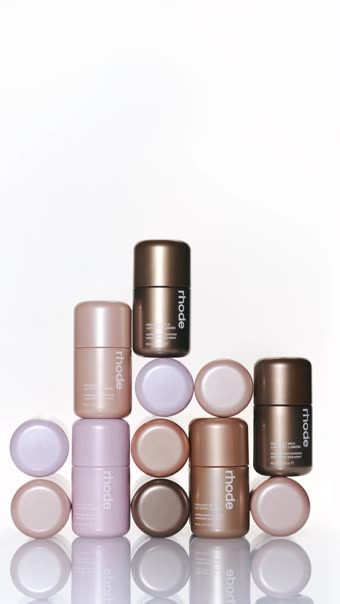
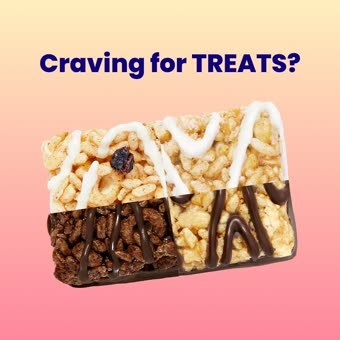















Stop scrolling the Ad Library at 1am.
See what's working in about a minute. Start with a 7-day free trial. Cancel anytime.