Save the ad. Keep the idea.
Boards are Seercraft's swipe file. Save ads from Discover, a brand page, a Seer answer or the Meta Ad Library; boards keep the media, so a saved ad still plays after the brand switches it off.
7-day free trial · Cancel anytime
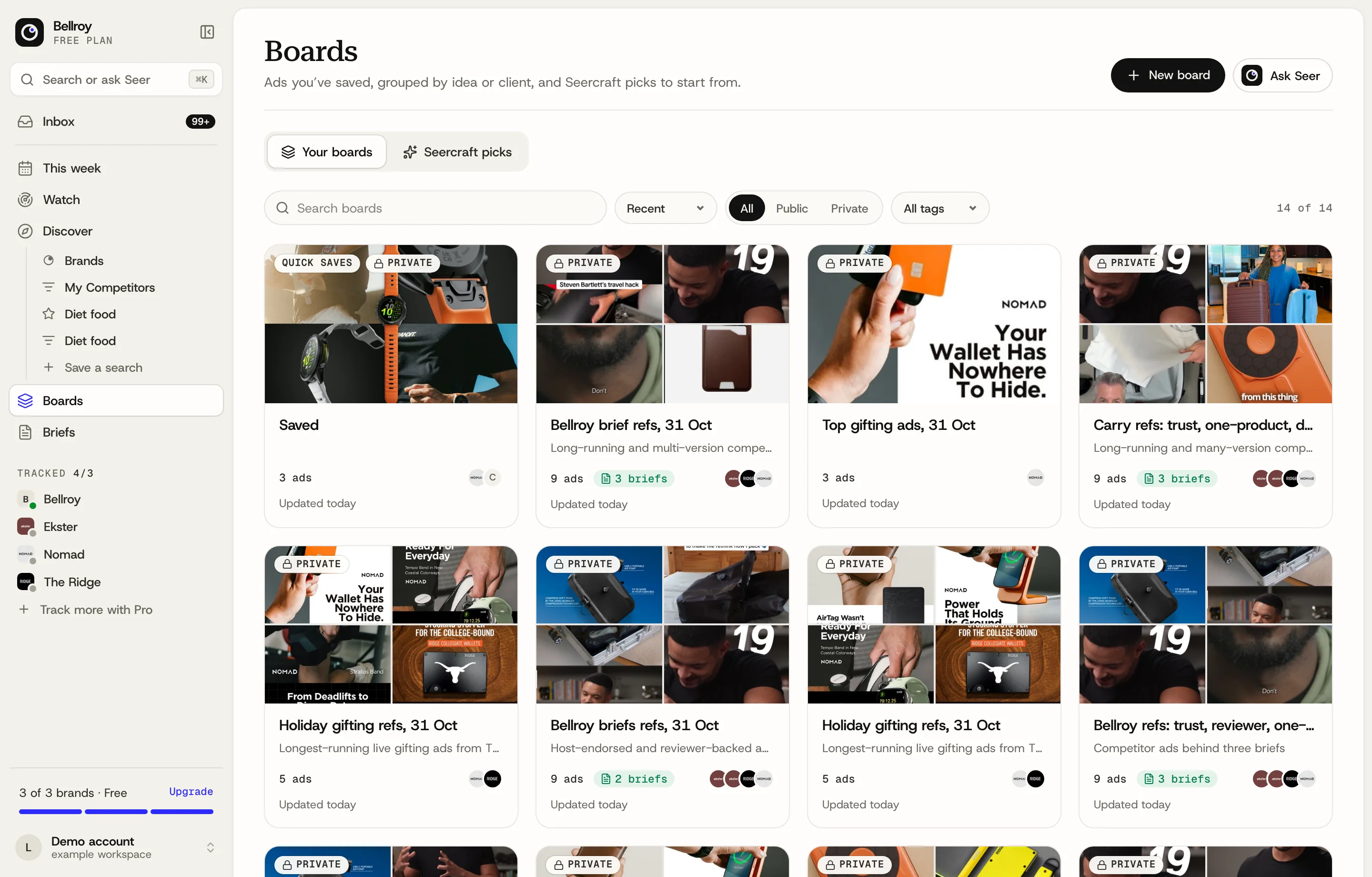
Real app, example workspace. The brands shown aren’t customers.
- Keptmedia saved with every ad
- 1 clickfrom the Meta Ad Library, with the extension
- Sharedpublic boards open without a login
The usual way, and the Boards way.
How it works
- 1
Save any ad
From Discover, a brand page or a Seer answer, or from the Meta Ad Library with the Chrome extension.
- 2
It stays saved
The media is kept with the save, so it still loads after the original ad stops.
- 3
Group by idea
Boards for clients, launches or angles, public or private.
- 4
Brief from a board
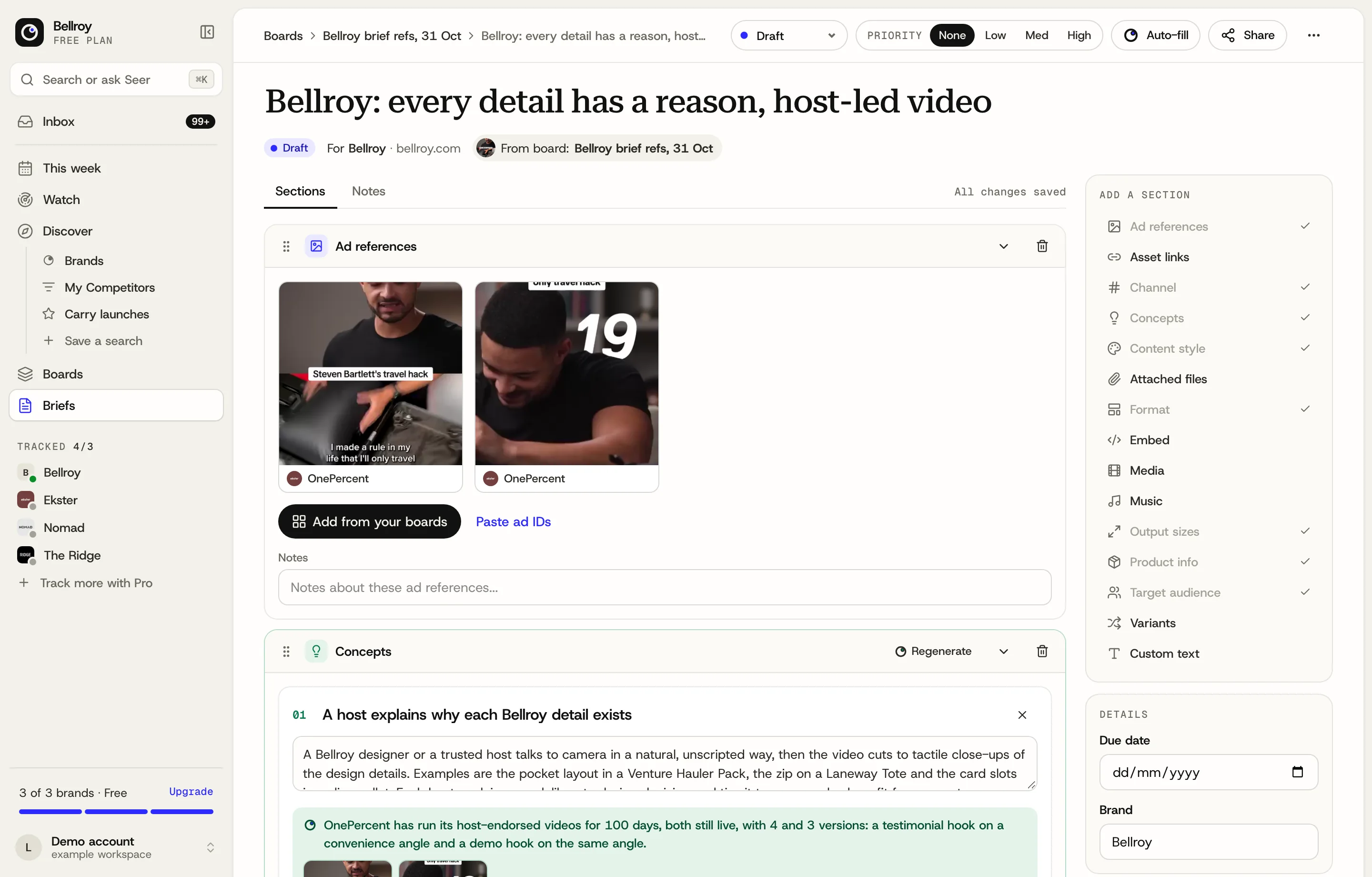
Create a brief from any board and Seer writes it from the ads you saved.
One screen at a time.
The real app on an example workspace. Pick a screen.
A saved link breaks. A saved ad doesn’t.
Flip the switch to stop the ad, the way a brand does every day.
What it does, today.
Media kept
Videos, images and copy are saved with the ad, not a link to it.
Live or stopped
See at a glance whether each saved ad still runs.
Public or private
Share a board by link, or keep it to your workspace.
Ads, briefs and files
Every board holds its ads, the briefs made from it and your files.
Brief from a board
One click, and Seer writes the brief from the board's ads.
Import from Foreplay
Bring boards over with an API key, or use links or a CSV.
Chrome extension
Save from the Meta Ad Library, with a note.
Bulk save
Select ads in Discover and save them to a board at once.
Seercraft picks
Curated boards to copy and start from.
Found an ad worth keeping? Save it where you browse.
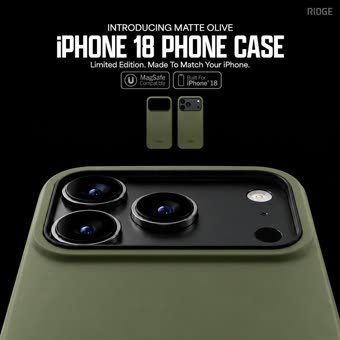
Save Facebook and Instagram ads from Meta Ad Library straight to Seercraft boards. Keep the videos, images, copy and a note about what caught your eye.
Works on English-language Meta Ad Library pages. Seercraft account required.
A swipe file built for evidence.
- Media, not links
Many swipe files store a link to the ad. Seercraft keeps the media with your save.
- Still live?
Each save shows whether the ad is still running.
- Ends in a brief
Any board becomes a brief in one click.
One loop, from their ads to yours.
See what’s working
Every rival ad, read and sorted by what lasts.
Decide what to test
Three cited tests a week, and answers you can check.
Make it
From a saved ad or a test to a brief, a script and finished ads.
The job Boards does: swipe file and boards. Also: Chrome extension · Seer in your AI app
From the people who use our Ad Library actor
“I rarely leave reviews, but this Actor saved me a lot of time. Worked exactly how I needed it to.”
“I spoke to Anas, the builder of this tool, and he's very friendly and open to feedback. … it's much much better than any of the other tools that exist out there. Highly recommend it!”
“This guy surely helped me even when the actor was down, it really matters dude. Also, thanks for fixing the actor I can restart my work again.”
“nice tool and support, i appreciate it”
Reviews of our Meta Ad Library actor on Apify, the tool Seercraft grew out of. Read all 14 on Apify ↗
How do I save an ad to a board?
Press save on any ad in Discover, on a brand page or in a Seer answer, and pick a board. In the Meta Ad Library, use the Chrome extension. In Discover you can select several ads and save them at once.
What does a board hold besides ads?
Each board has tabs for its ads, the briefs made from it and your files, and Create brief from this board turns it into a brief.
Can I import my Foreplay boards?
Yes, on Pro and Agency: connect with your Foreplay API key and choose the boards to bring over. You can also import from other tools with links or a CSV.
What are Seercraft picks?
Curated boards of ads to start from. Copy one into your workspace and build on it.
Which plans include Boards?
Every plan. Import from Foreplay is on Pro and Agency.
Keep exploring












Start a swipe file that lasts.
Seer finds the ads your competitors keep paying for, turns them into tests, and on Pro and Agency makes each one a finished ad in your brand. 7-day free trial. Cancel anytime.
Enter a competitor's website. We'll start with their longest-running ads.