How to Find the Longest-Running Facebook Ads
Nobody outside Meta and the advertiser can see which ads make money. There is no public spend, no return on ad spend, no conversion count for a commercial ad.
So people look for the next best thing. For most of us, that is how long an ad has been running.
This guide explains why run time is a useful hint, how to find the longest-running ads for a competitor by hand, and the four ways the signal can mislead you. We are not going to tell you it is proof. It is not. It is the best thing that is public.
Why does run time tell you anything?
Running an ad costs money. If an ad loses money, the advertiser has a reason to turn it off. If an ad keeps running for months, one of these is probably true: it works, it works well enough, or nobody has looked at it.
The first two are what you are hoping for. The third exists, and we cover it below.
The logic is simple. A brand that has run a message for 120 days has had 120 days to decide it was a mistake. A brand that launched it on Tuesday has not. Surviving is weak evidence, but over many ads from many brands, the pattern shows up. When a competitor has ten ads and eight of them started last week, the two that started in spring are the ones to read first.
Be precise about what you can say. "This ad has run since March" is a fact. "This ad is a winner" is an inference. When you write notes for your team, keep those two apart. Seer, the AI analyst in Seercraft, does the same thing: it labels inferences as inferences, because the data does not support more.
Where does the date come from?
Each ad in the Meta Ad Library shows a start date. In Meta's API reference, the field is the time when an advertiser wants to start delivering the ad. If there is an end date, it is the time the advertiser wants to stop. If the stop time is blank, the ad runs until the advertiser stops it or the budget runs out.
You can read the start date on any active ad. For ordinary commercial ads, active is the only status you will see, because Meta keeps inactive commercial ads in the library only in specific cases (ads delivered in the EU for one year, and political or issue ads for seven). That is why this method works on what is running now and says little about what ran last year. We cover that in the Meta Ad Library guide.
How do you find long-running ads by hand?
Here is the manual method. It takes about 20 minutes per competitor.
- Open the Ad Library at facebook.com/ads/library and pick the country where your customers are.
- Search the brand and choose the correct Page. Check the profile picture and follower count, because same-name Pages are common.
- Set the status to active. You are looking at what is running now.
- Use the start date filter. Set it to show ads that started on or before a date, such as 90 days ago. Anything left on the page has been live for at least that long.
- Move the date back. Try 180 days. Then a year. Each step shrinks the list. The ads that remain after the longest cut are your long-runners.
- Open each one. Write down the Library ID, the start date, the format, the main message and the landing page.
- Look for the pattern, not the ad. Do the long-runners share an angle, an offer or a format?
If the list is too large to read, filter by media type first. Check videos, then images. Start with the Page that runs the most ads.
One caution about the date filter. Meta changes the interface and we could not confirm its exact labels from Meta's own help pages. If the filter you see is different, the idea still holds: you want ads started before a chosen date.
What are the pitfalls?
These are the ways run time misleads. Read them before you hand a report to anyone.
1. The ad was paused and relaunched
An advertiser can switch an ad off and back on, duplicate it, or rebuild it with a new Library ID. Depending on how they do it, an ad can look brand new when the idea behind it is old, or look old when it was restarted yesterday.
The start date tells you when delivery began for that specific ad. It does not tell you how long the idea has worked. A creative that has existed for two years under six different Library IDs will not show up as a long-runner on any single one of them.
2. Many copies of one idea
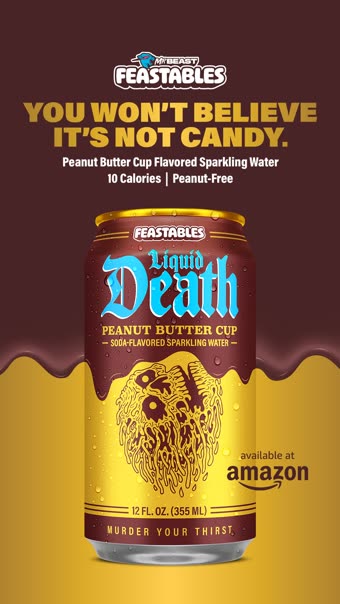
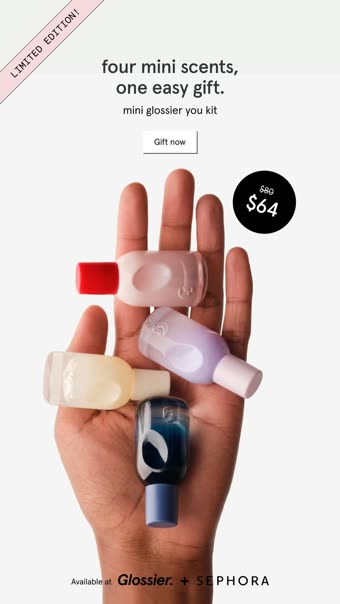
Brands rarely run one version of a good ad. They run 20 near-copies: a new headline, a different cut, another thumbnail. In the library, those are 20 separate ads with 20 start dates, and none of them looks old.
This is the most common reason people underrate a competitor's best idea. If you only sort by age, you will miss an idea that has been steady for a year but renewed every few weeks.
The fix is to group by idea. Compare the copy, the hook and the visual, and count how many ads share them. An idea with 20 versions is a stronger signal than one ad that is 20 weeks old. This is what the version count in Seercraft is for: copies of one creative are grouped into one idea, and the count tells you how many versions exist.
3. Always-on and forgotten ads
Some ads run for a long time because they are cheap to keep and nobody has cleaned up the account. A brand awareness ad, an old promo that costs nearly nothing, or a test that was left on will look as sturdy as a real winner.
You can often spot these by what is missing. If the ad has the oldest start date, the weakest copy, an expired offer and no variations, the likeliest reason it is still live is neglect.
4. Time is not scale
An ad that has run for a year on a tiny budget is not the same as an ad that has run for a month on a huge one. The library does not show spend for commercial ads, so you cannot tell which one you are looking at. Do not rank by age alone and call that a ranking of success.
How to read long-running ads well
A few habits make the signal more reliable.
- Compare within one brand. A brand's own oldest ads tell you more than the oldest ads across a whole category.
- Look for repetition. Three ads of different ages that make the same promise are more convincing than one old ad.
- Check the landing page. An old ad that sends people to a page built for it is more likely to be intentional.
- Record when you looked. "Running since March, as of 31 October" is a fact you can come back to.
- Write the inference separately. For example: "Likely a core angle. Evidence: 3 ads, oldest 140 days, same promise."
If you want a structured way to record all of this, our competitor ad analysis framework has a worksheet.
The by-hand problem
The method above works, and it has a flaw. You are measuring run time at one moment. When the advertiser turns an ad off, it leaves the library, and so does the evidence that it ran for a year. Next month you will not be able to check your own notes.
If you do this by hand, copy the creative and note the dates when you find an ad. Do not rely on finding it again.
How Seercraft handles it
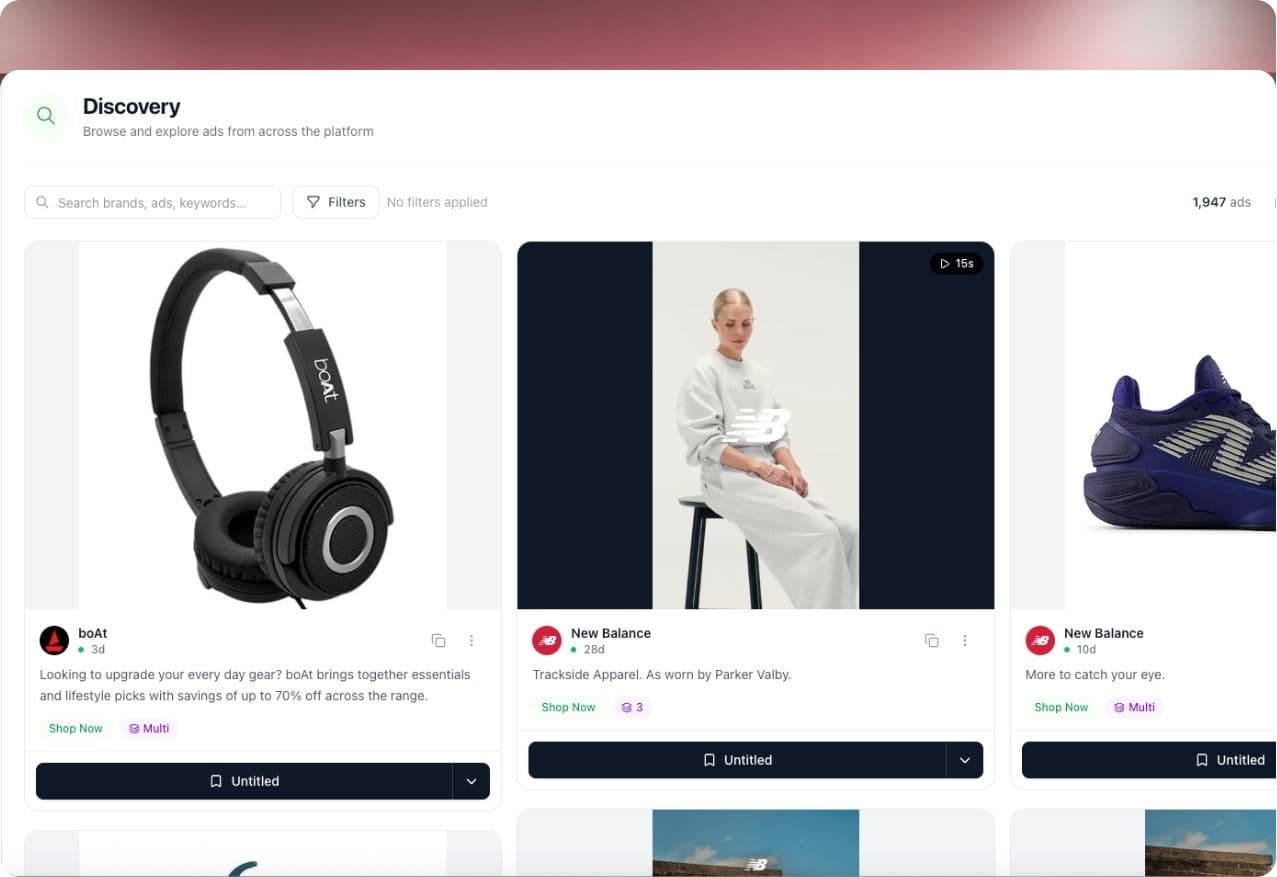
Discover in Seercraft is a search over the public Meta Ad Library sorted by how long ads have run, so the longest-running ads come first without the date-filter routine. You can find long-runners in a category you are researching, not only for brands you already know.
For brands you follow, Seercraft tracks them and checks daily. It keeps history after ads stop, so a long-runner that gets turned off is still there to study. It groups copies of one creative into a single idea with a version count, which takes care of the "many copies" pitfall. Seer reads a brand's ads and gives you a cited summary where every claim links to the ads behind it. You can open the source ads and decide whether you agree.
Boards keep the ad media, so a saved ad does not break when the original is gone.
We do not show competitor spend, and neither can anyone else. Run time and repetition are the signals, and we treat them as signals.
Sources
- Archived Ad reference, fields incl. ad_delivery_start_time and ad_delivery_stop_time (Meta for Developers)
- Meta Ad Library API: Ads Archive reference (Meta for Developers)
- What is the Meta Ad Library and how do I search it? (Meta Help Center)
- Meta Ad Library tools (Meta Transparency Center)
- Meta Ad Library: how to find any brand's ads and read what it shows (Adsap), for the start date filter
Add a competitor and start your free trial and see which of their ads have run longest. Every subscription includes a 7-day free trial; see our pricing page for current plans and limits.